
Transform Code into Diagrams
Instantly visualize Mermaid diagram code found on GitHub, Confluence, Jira, and other websites. One click to see beautiful, interactive diagrams.
One-Click Visualization
Click the extension icon to instantly find and visualize all Mermaid diagrams on the current page.
Universal Compatibility
Works on GitHub, Confluence, Jira, and any website containing Mermaid diagram code.
Beautiful Rendering
High-quality SVG diagrams with full zoom, pan, and export capabilities.
Mermaid.live Integration
Open diagrams directly in the official Mermaid.live editor for advanced editing.
Mobile Friendly
Native browser zoom with pinch-to-zoom support for perfect mobile viewing.
Privacy First
All processing happens locally in your browser. No data is sent to external servers.
How to Use
Install Extension
Download and install the extension for your browser from the Chrome Web Store or Safari Extensions Gallery.
Visit Any Page
Navigate to any webpage containing Mermaid diagram code (GitHub, Confluence, Jira, documentation sites, etc.).
Click Extension
Click the pink Mermaid Visualizer icon in your browser toolbar to detect and visualize all diagrams.
Enjoy Diagrams
View beautiful, interactive diagrams with navigation, zoom, and export to mermaid.live.
See It In Action
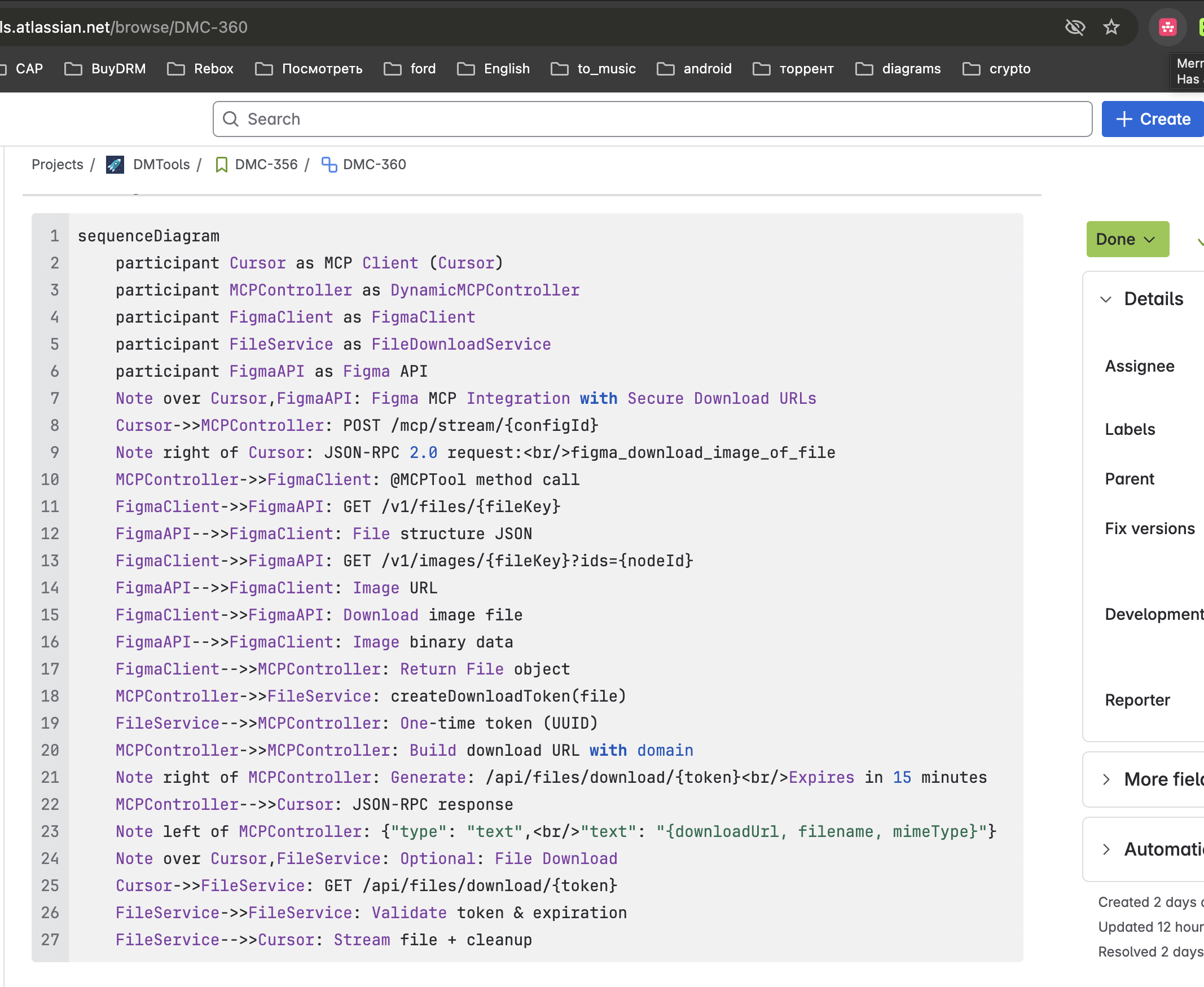
🐙 Works on GitHub
Automatically detects Mermaid diagrams in README files, issues, and pull requests
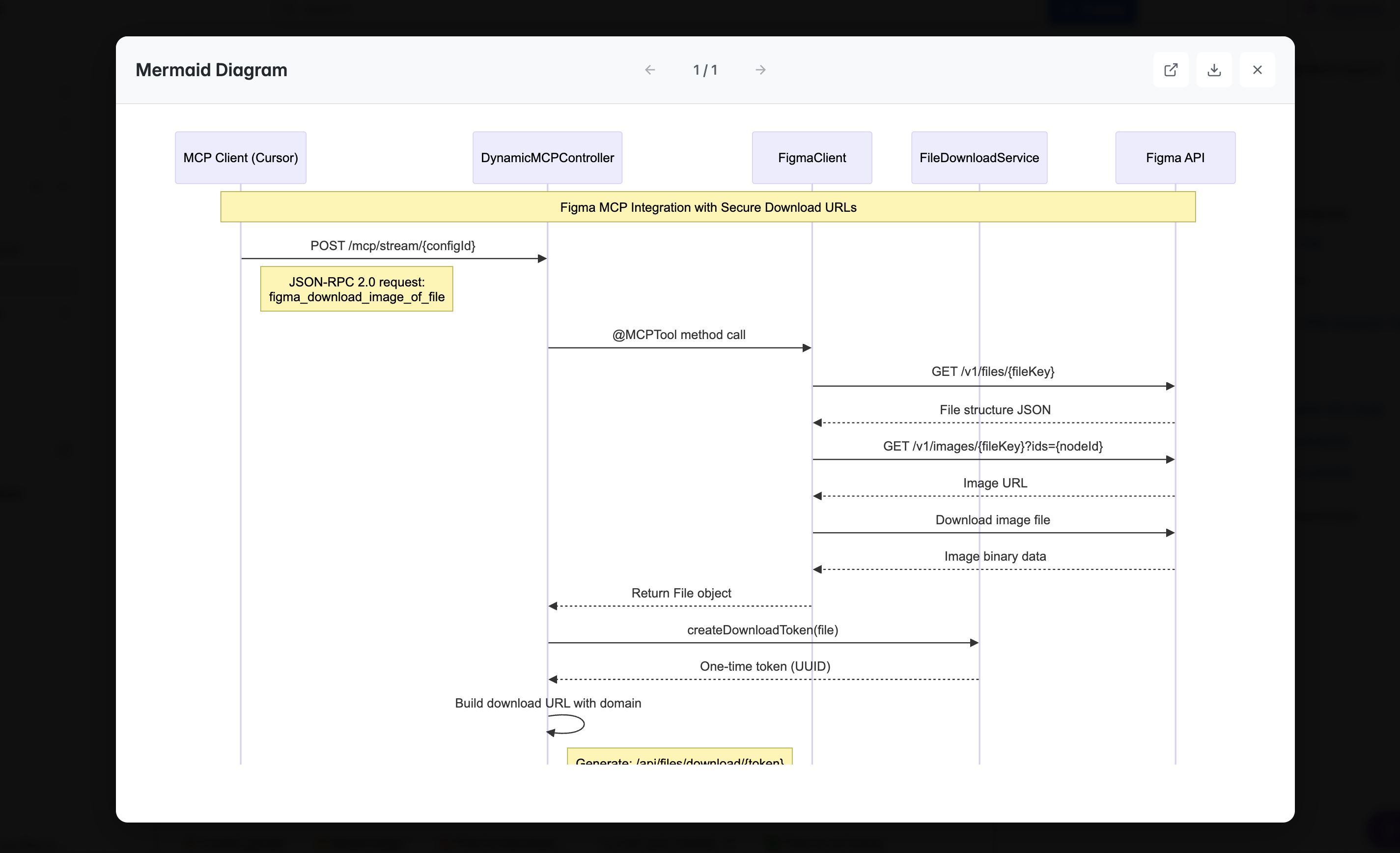
🎨 Beautiful Visualization
Clean, professional diagram viewer with navigation and zoom controls
Supported Platforms
Works anywhere Mermaid diagram code is displayed in text format